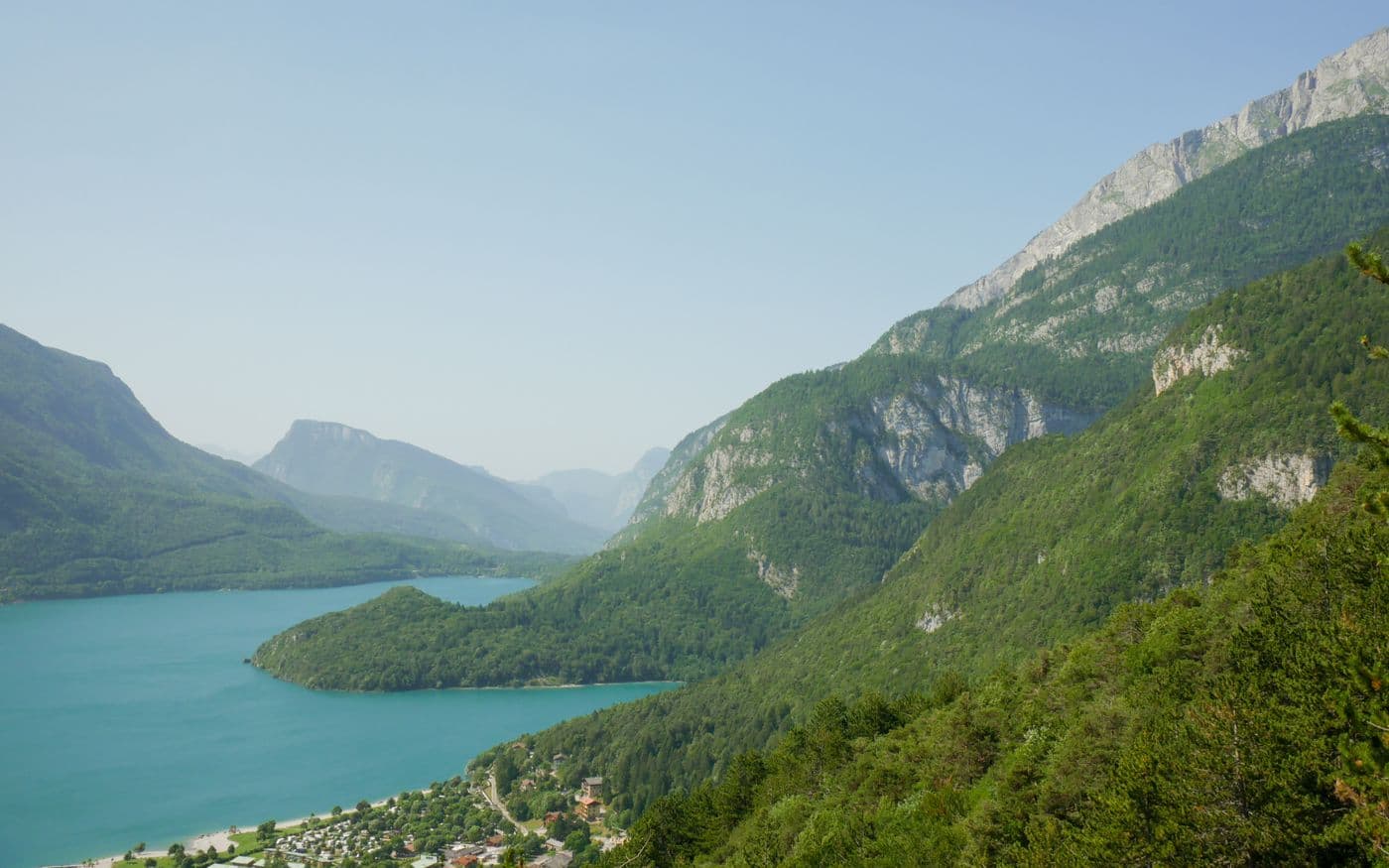
Count the actual pixels
A 1200 × 800 image contains 960,000 pixels. Resizing it to 600 × 400 produces 240,000 output pixels. File size in KB is different: format, detail, and encoding can change the bytes without changing the width or height.
PPI and DPI describe physical output
PPI relates pixels to print size; DPI describes printer dots. The same 1200-pixel-wide image is about 16.7 inches at 72 PPI or 4 inches at 300 PPI if you only change the resolution label. It still has 1200 pixels across. Resampling to more pixels estimates values; it cannot recover detail the camera never captured.
Zoom, resize, crop, upscale
Zoom changes only the on-screen view. Resize calculates a new pixel grid. Upscaling is resizing to more pixels, so edges may become soft. Cropping removes part of the scene; it does not stretch the remaining subject. Decide what must stay in frame before choosing a target size.
Apply it in Pixlena
In Resize, keep the aspect ratio when you want the entire image without distortion. Choose fixed-ratio crop only when you can lose edge content. Inspect the exported pixel dimensions; do not use the compressed file size as evidence of sharpness.