Pixlena Learn
Learn image editing
step by step.
Practical lessons on pixels, file formats, compression, light, and color. Learn what to look for before you export.
Start with lesson 01
Learning path
Five lessons to better images.
Follow the path from pixels to more confident image decisions.
Pixels & Resolution
Know what changes when you zoom, resize, crop, or change a DPI number.

JPEG, PNG & WebP
Choose an output format by the image and destination, not by a universal file-size ranking.
Image Compression
Reduce bytes deliberately, then check the result instead of trusting a quality number.
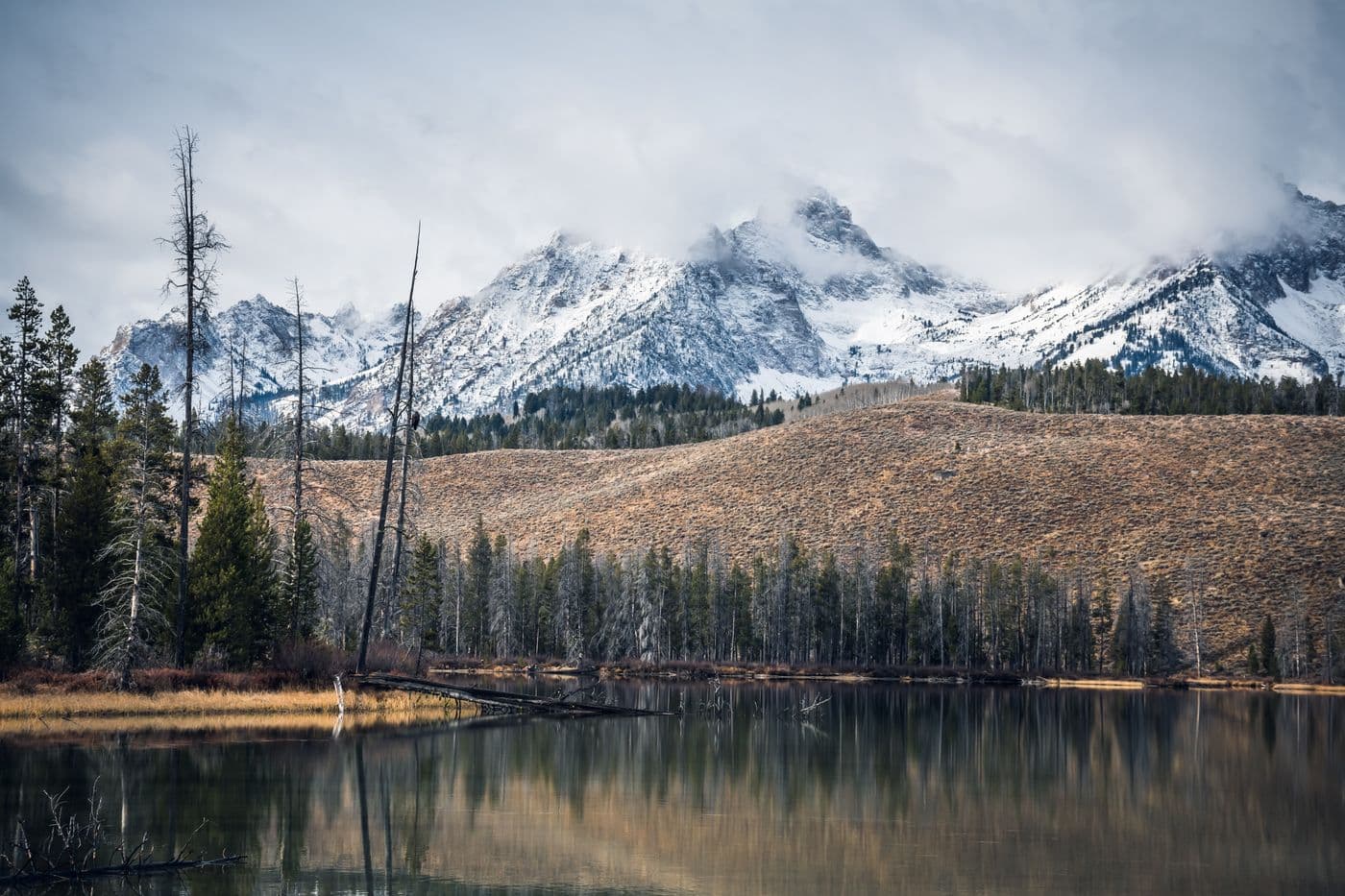
Exposure & Contrast
Read an image's light and dark areas without confusing a brighter preview with recovered detail.
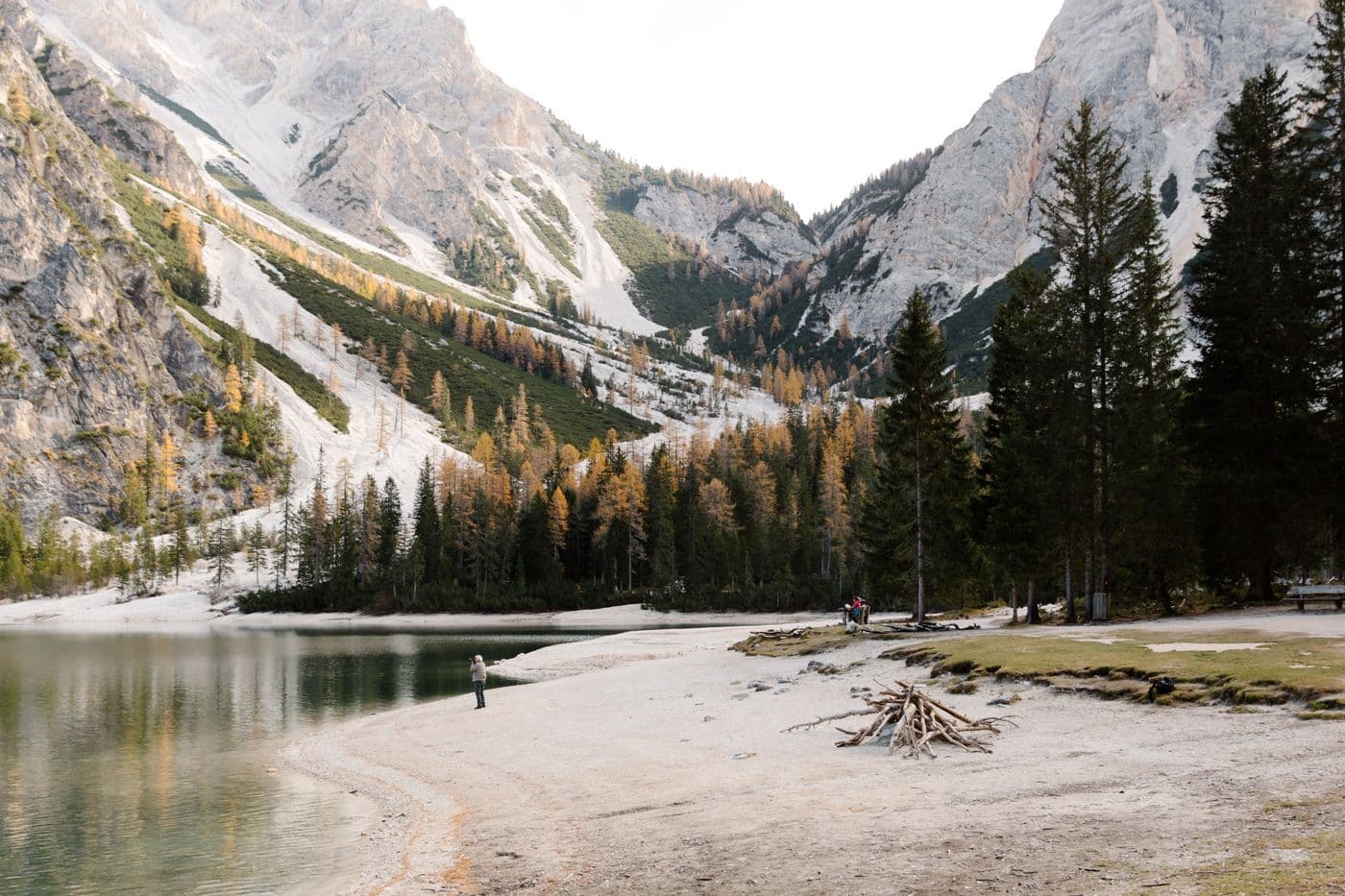
White Balance & Color
Spot an unwanted color cast before trying to make every photo 'warmer.'
What you’ll learn
Five connected lessons, each grounded in an image decision.
Pixels
Choose dimensions without confusing zoom with detail.
Formats
Pick JPEG, PNG, or WebP for the destination.
File size
Compare real bytes and inspect quality after export.
Light & color
Recognize tonal clipping and unwanted color casts.
Ready to start?
Begin with pixels and build from there.