Lossless versus lossy
Lossless coding can reproduce the stored pixels exactly; PNG and lossless WebP use it. JPEG and lossy WebP discard some information to save bytes. Re-encoding an already compressed photo cannot restore detail, and repeated lossy saves can add visible artifacts.
What Pixlena actually does
The default Balanced preset encodes at quality 0.80 and limits the longer dimension to 2560 pixels. High, Light, and Extreme use different quality and dimension limits. The target-size mode tries several encodes and may reduce pixel dimensions; it reports when the requested byte target is not reached. PNG output does not use a JPEG-style quality slider.
Bytes are not pixels
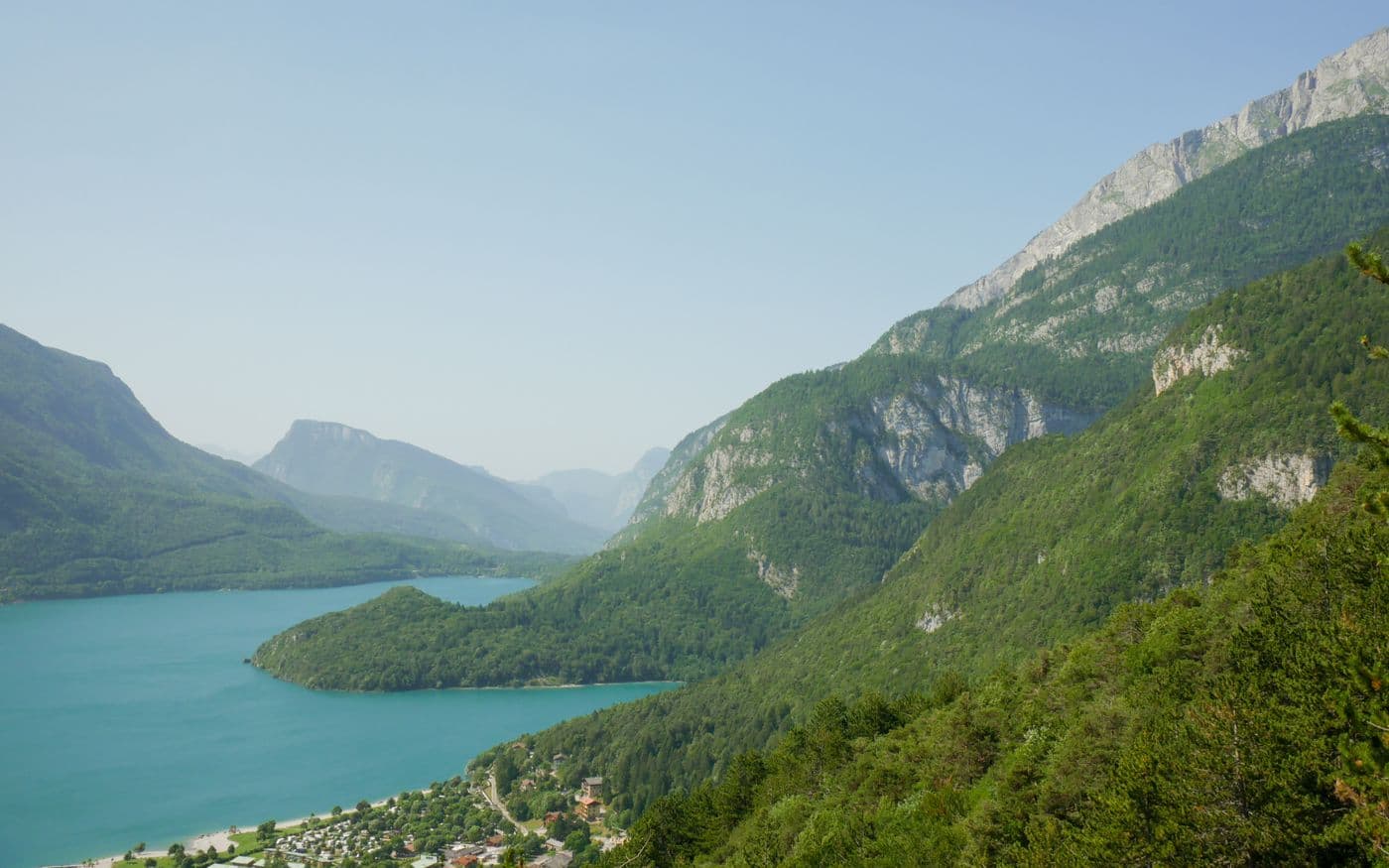
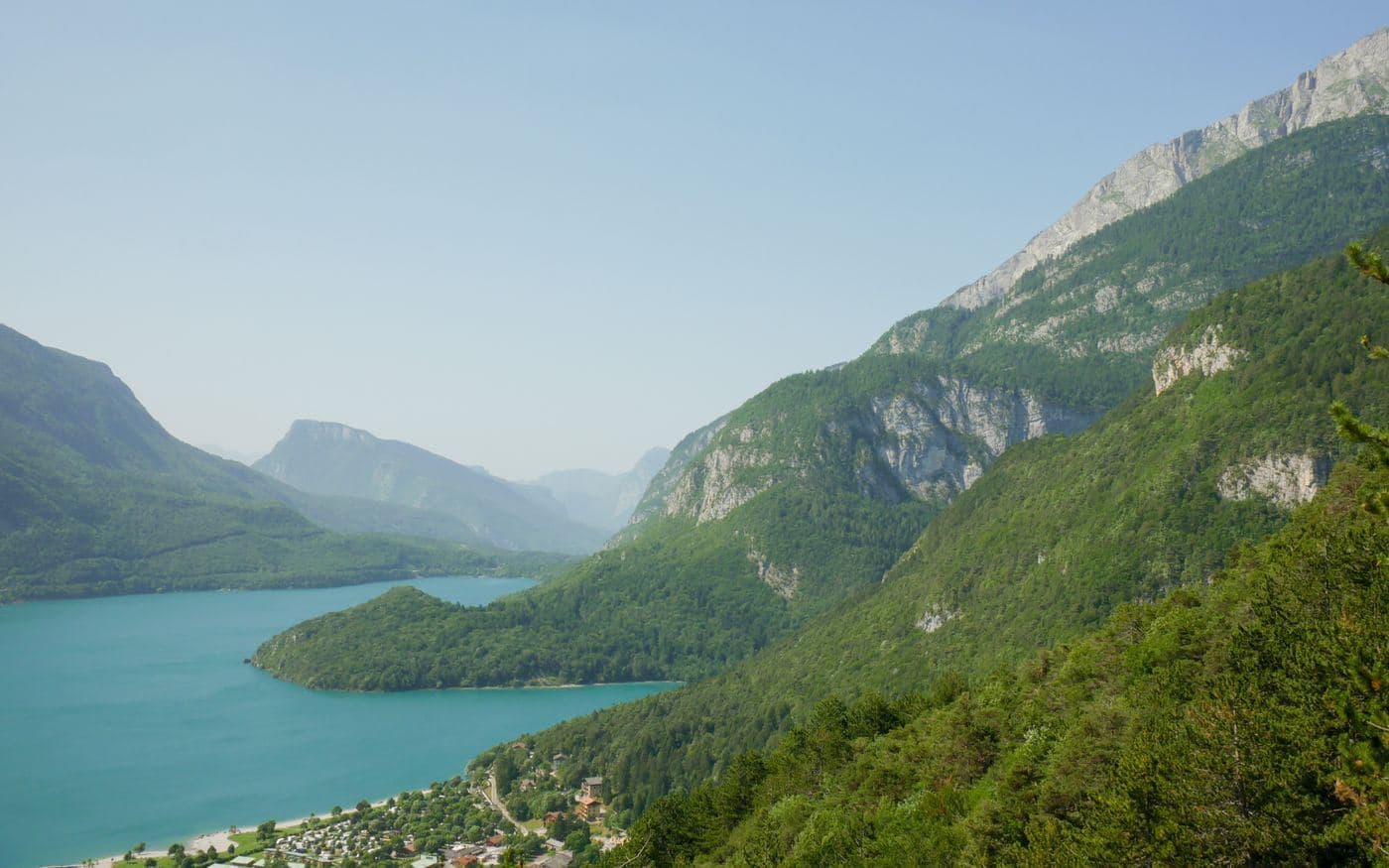
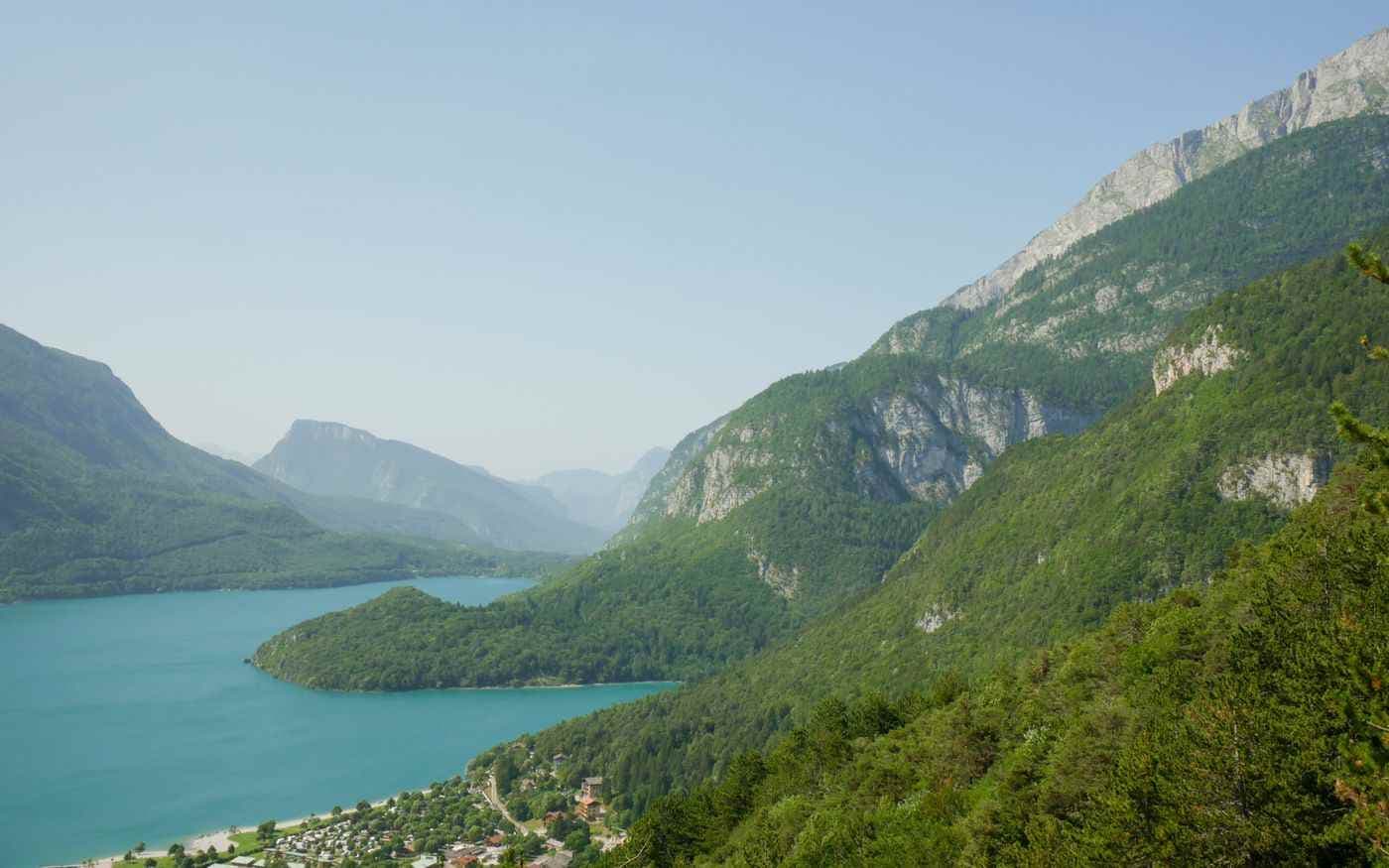
Two 1200 × 800 files can have very different byte counts. Flat graphics may already compress well as PNG, while noisy photos are harder to encode. A small source or previously optimized image may save little. The three photo samples above use the same pixels but different JPEG encodings; their measured bytes differ.
Metadata and inspection
Camera files may contain EXIF metadata such as date or camera settings. Pixlena's canvas export creates a new encoded file and does not promise to retain EXIF. Compare text edges and fine texture at 100% view, and verify the exported dimensions and bytes before using the file.